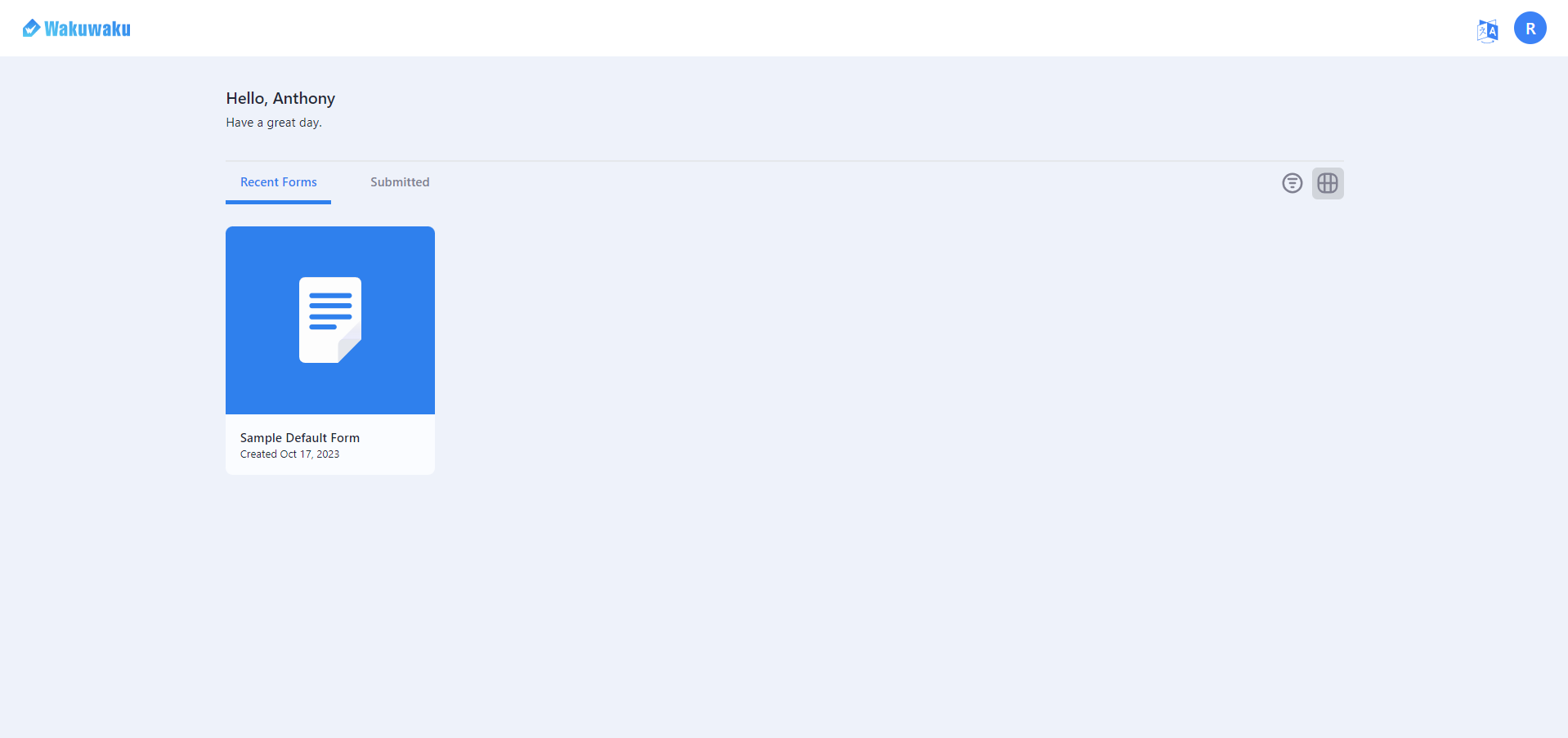
How to register in a school as a Student user.
Step 1: Launch the https://www.waku.ai/signup to start.
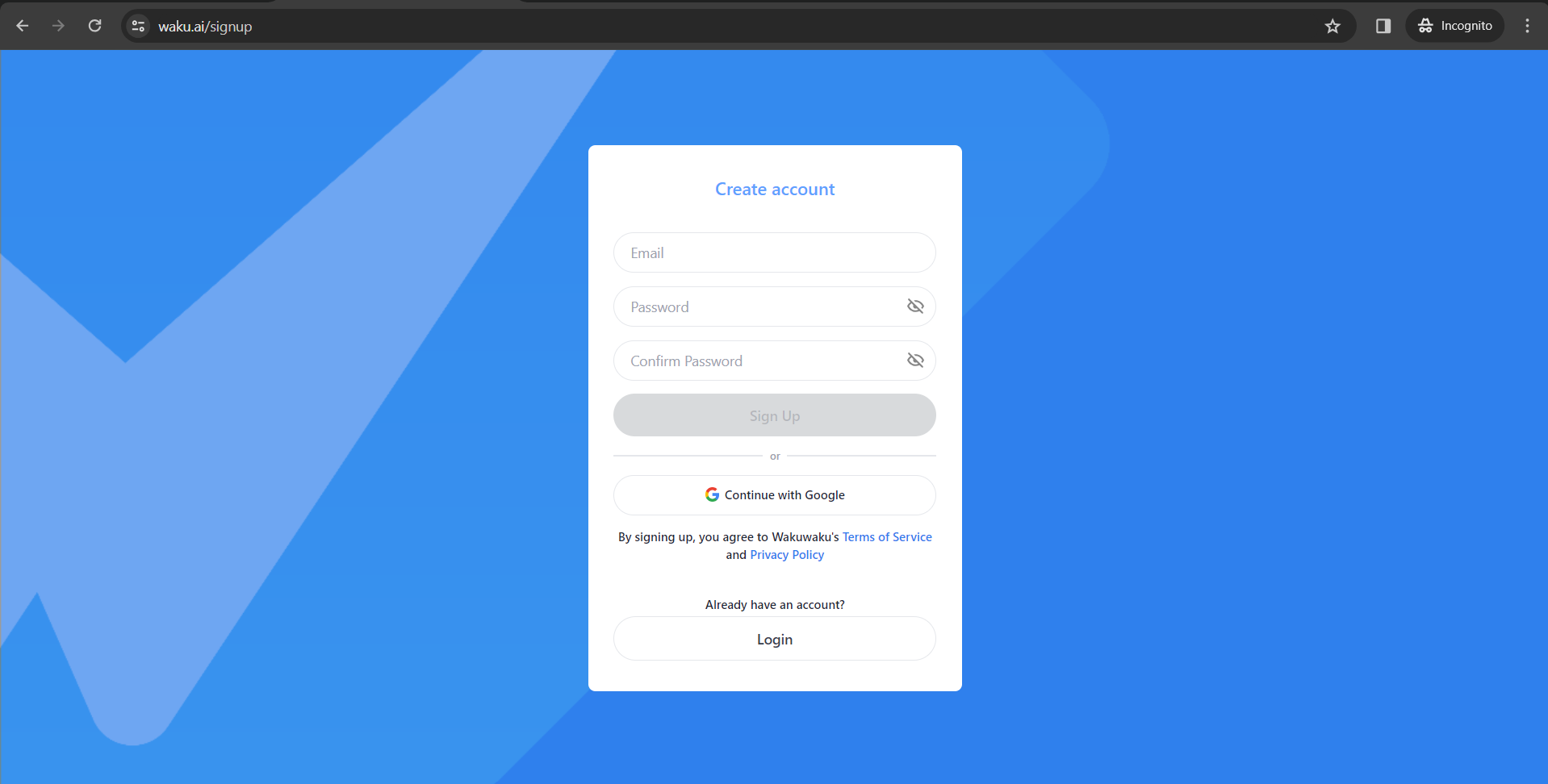
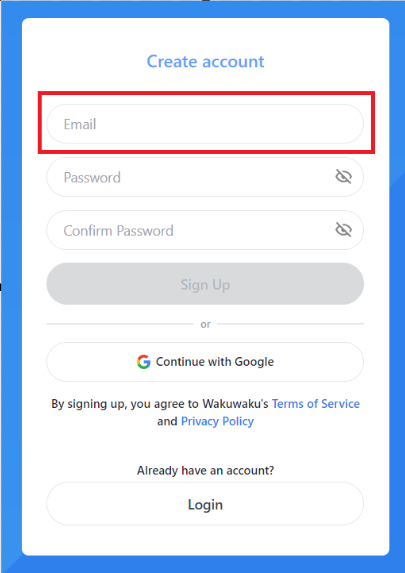
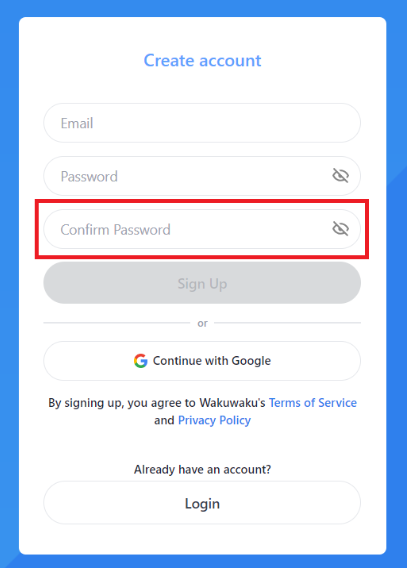
Step 2: Input your email address in the Email textbox.
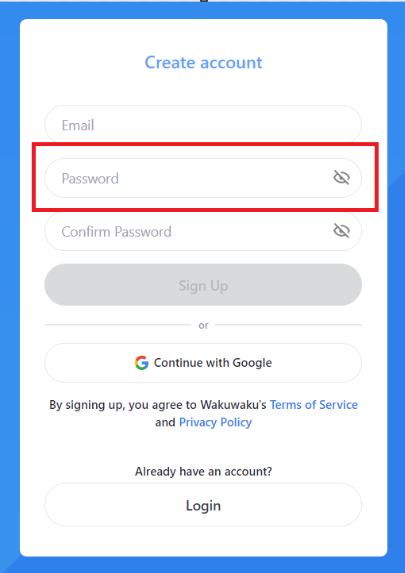
Step 3: Input the desired password in the Password textbox.
Step 4: Re-input your password for confirmation in the Confirm Password textbox.
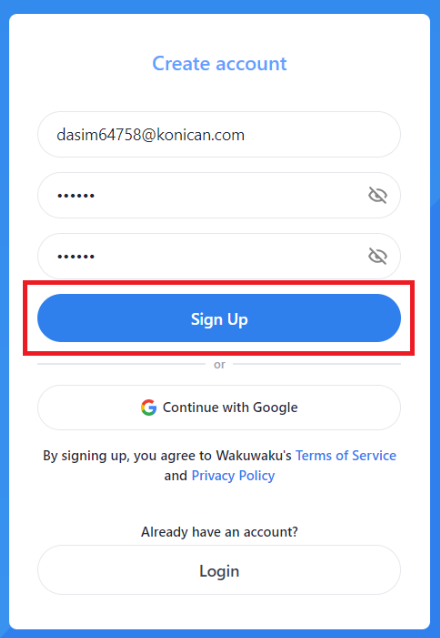
Step 5: Then click on the Sign-Up button to proceed.
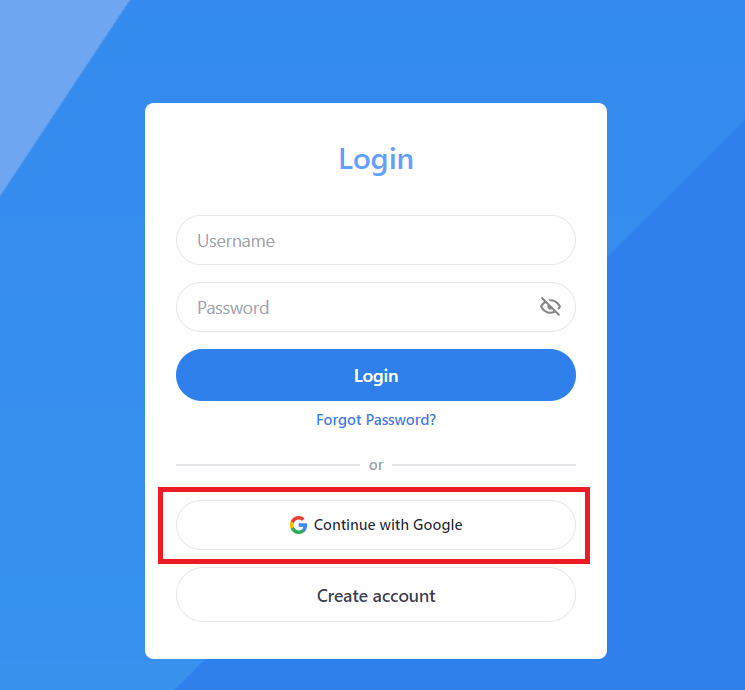
Note: You may also use Continue with Google.
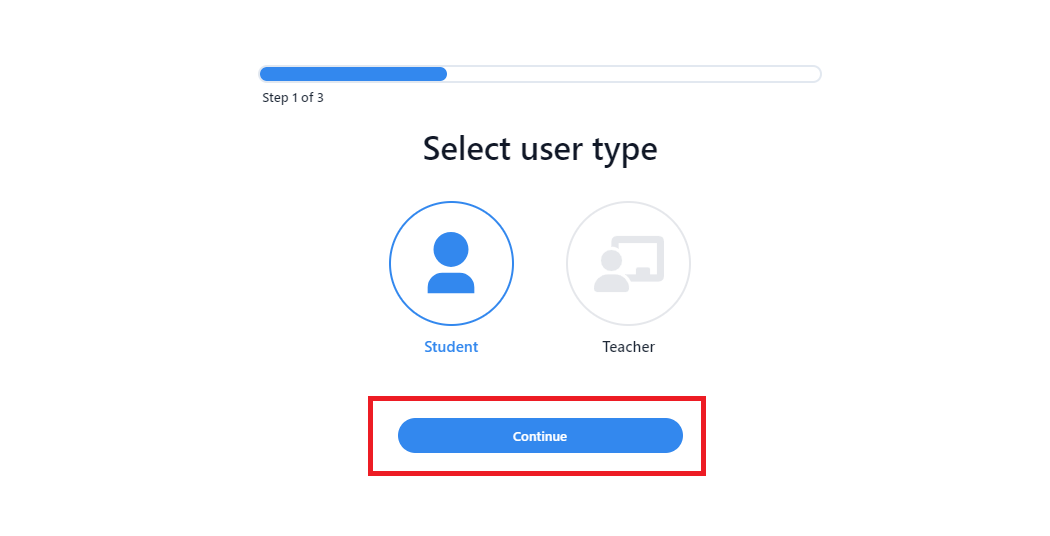
Step 6: Select the Student role.
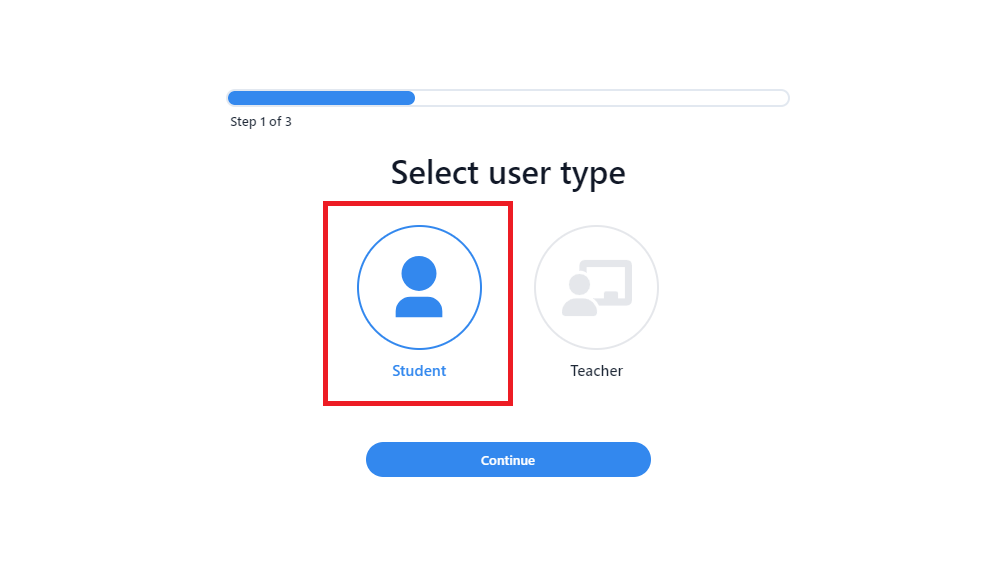
Step 7: Click on the Continue button.
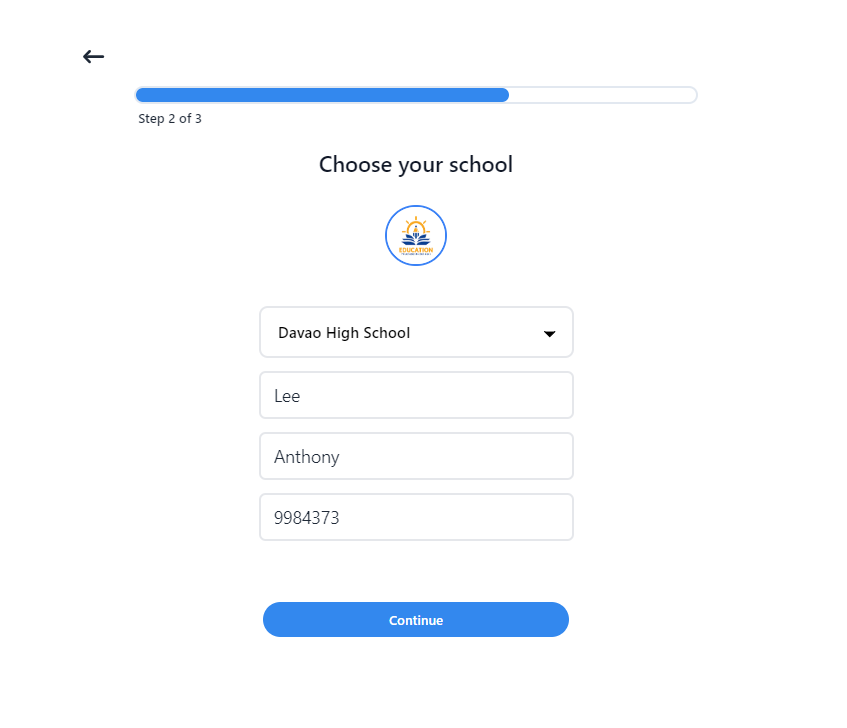
Step 8: Input your information or detail.
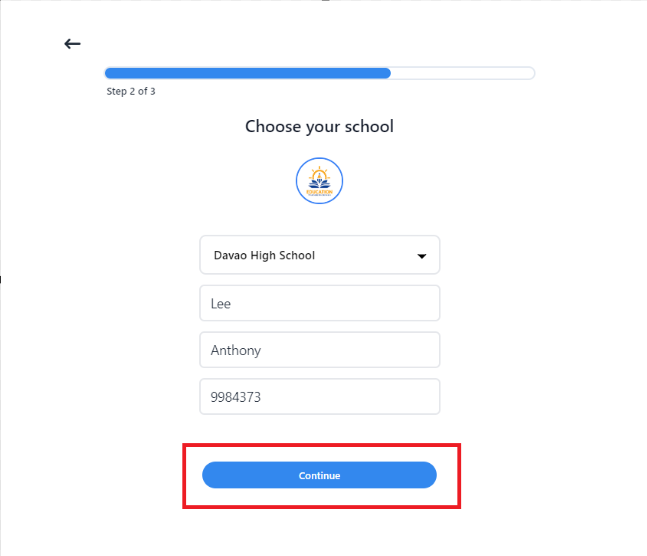
Step 9: Click on the Continue button.
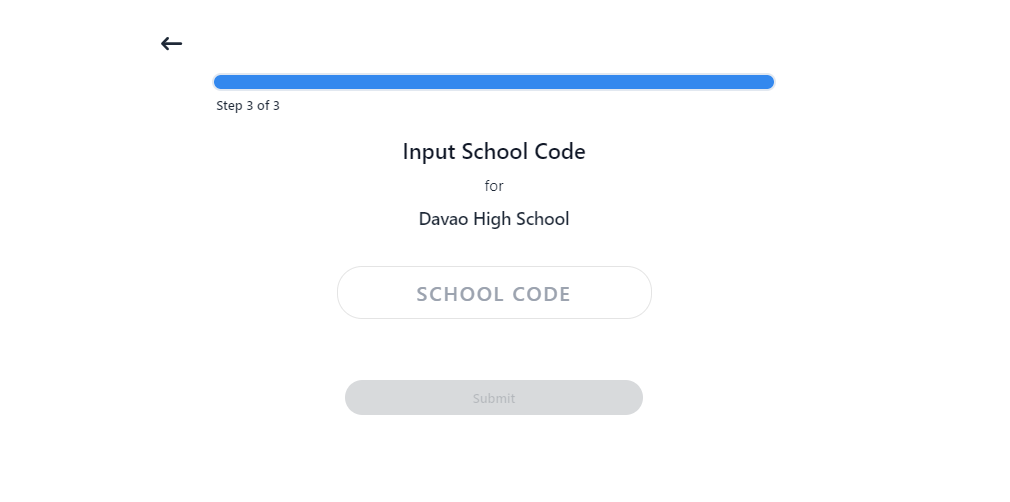
Step 10: Input the school code provided by the school then click on submit button.
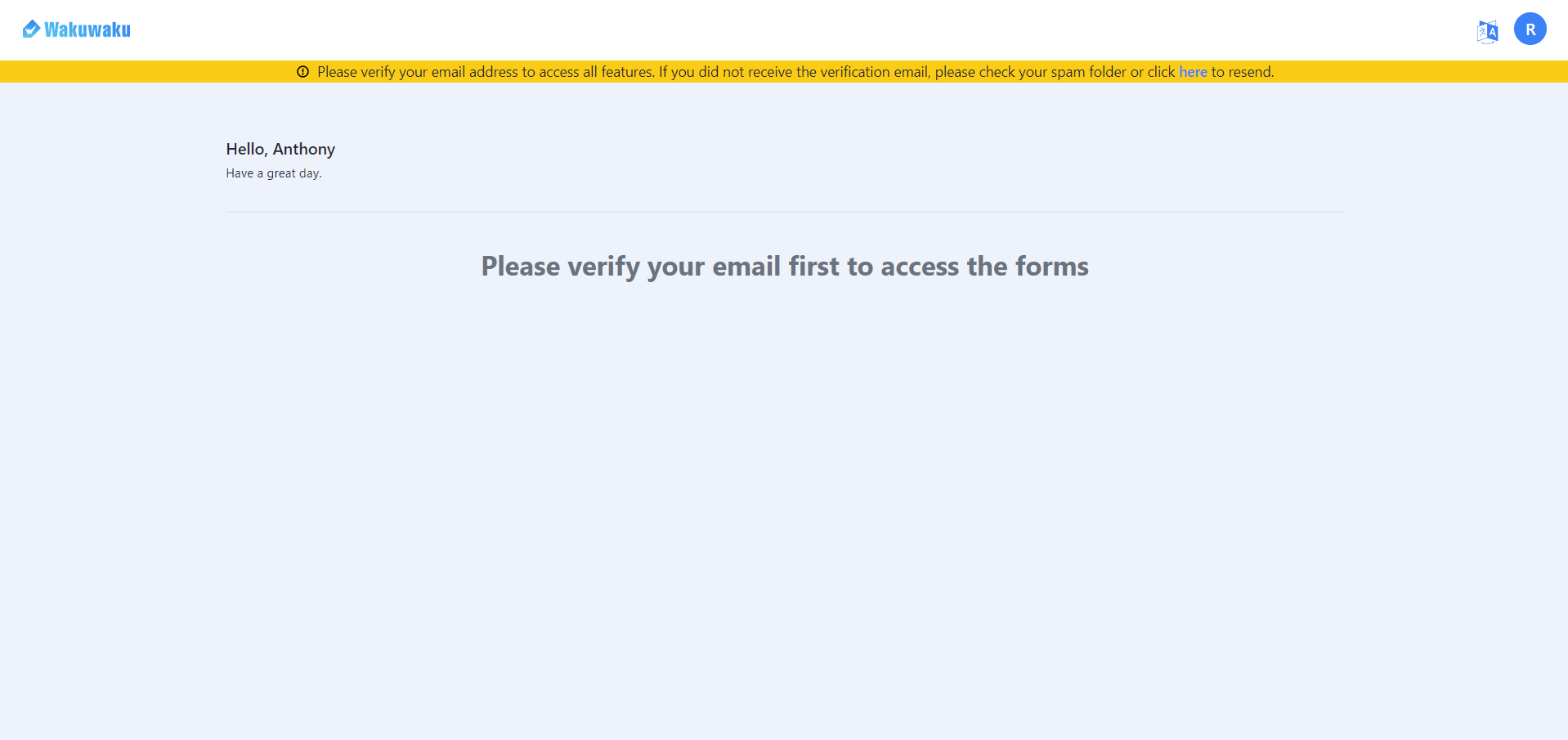
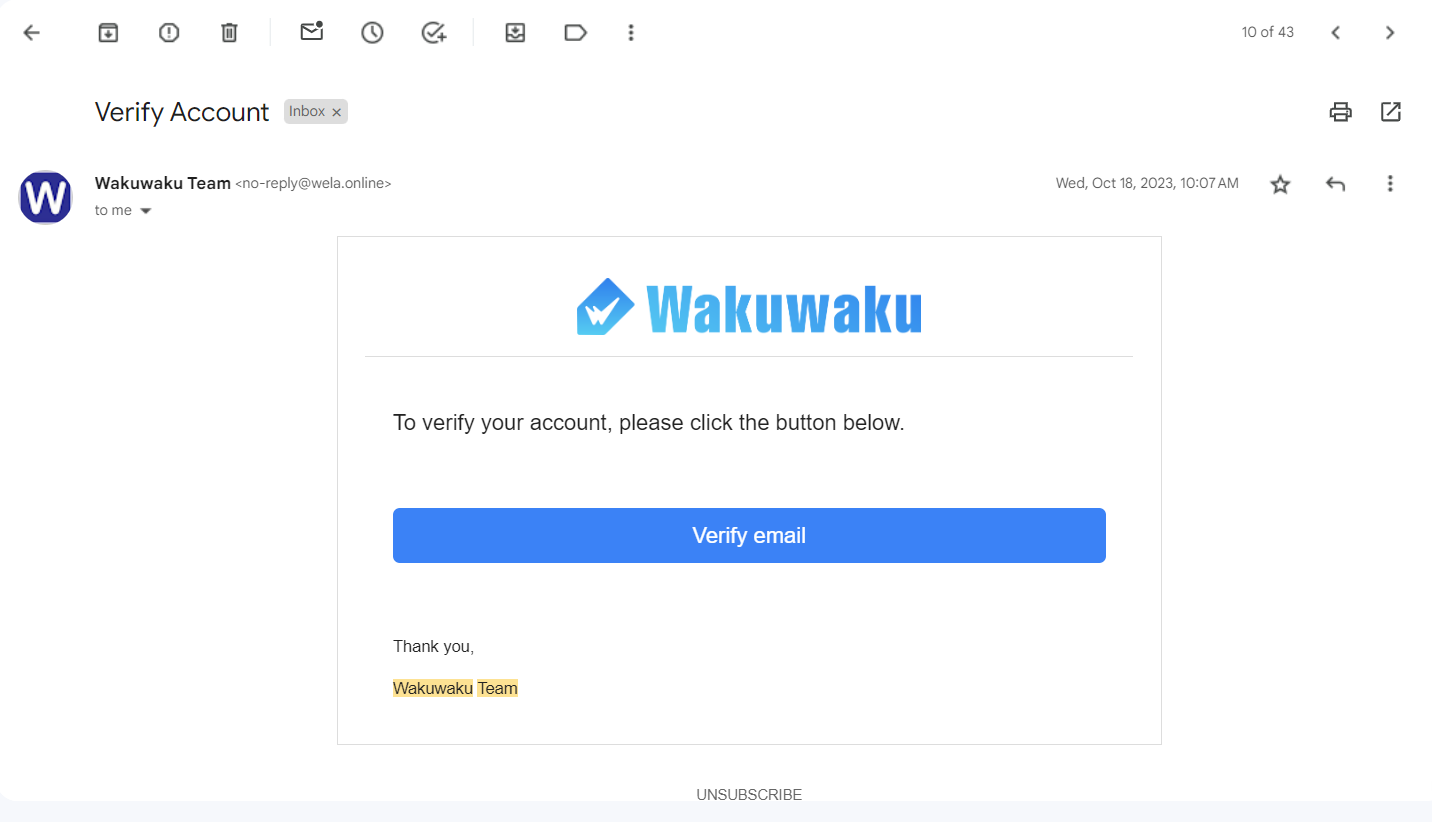
Step 11: Kindly check your email to see the verification email from Wakuwaku Team and verify the account you created.
Note: The email will look like this.
Step 12: A prompt will appear to confirm your verification is successful.

Welcome Aboard! ~~